
nocturnal

“nocturnal” helps to make street lighting more insect-friendly and thus protect biodiversity.
A study project by Nico Schulz, Darya Khaylo and Nicole Pehr
2nd semester, 2022
Supervisors: Martin Haas, Sebastian Haase, Prof. Andrea Krajewski, Steffen Kotschi, Max Pelzer, Dieter Stasch, Tomas Zebis
Issue
No doubt some of you have heard of the term ‘light pollution’. However, very few people realise just how much this ever-increasing pollution affects insects. This example illustrates the point:
No sooner do the lights come on at night than the first moths and other nocturnal insects begin to flit around the light source. Although this situation may seem harmless at first glance, it actually has serious consequences.
If the threat to biodiversity is not halted, the Earth – including humankind – will suffer greatly from the effects in the near future.
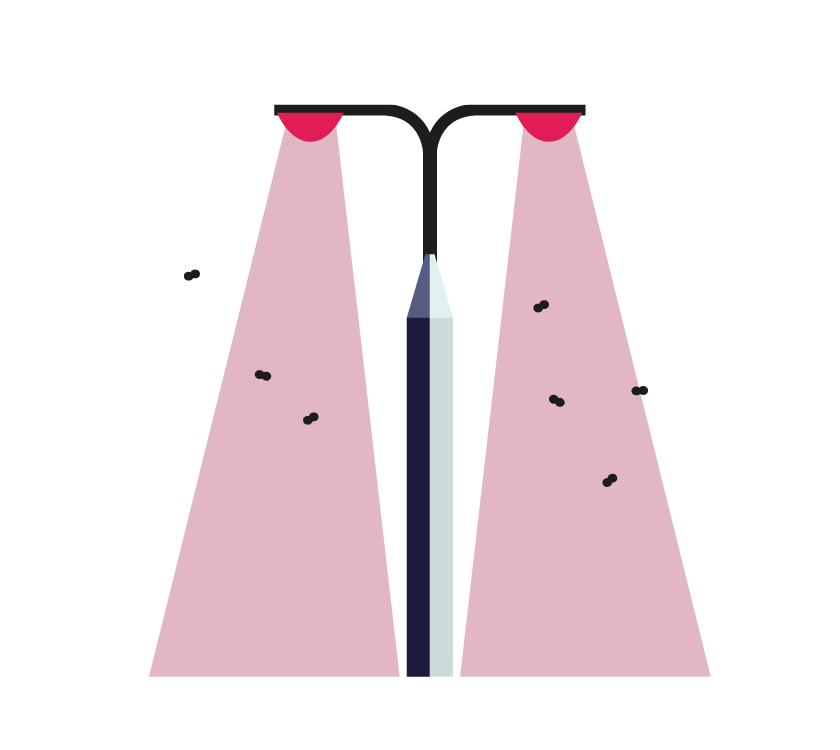

Idea
It is precisely for this reason that we, as a team, have set ourselves the task of delving deeper into the subject matter in order to simulate solutions to this problem. This is where our ‘nocturnal’ project comes in – a web-based planning tool for the PC.
Using our simulation and a range of adjustable parameters, we demonstrate how to design streetlights to be as insect-friendly as possible, and provide those responsible with tips and advice on how to use financial resources effectively and sensibly to prevent the loss of biodiversity.
As there are as yet no other public visual representations illustrating the future impacts, our project stands out through its visual illustration of the topic of ‘insect-friendly street lighting’ and the extent of insect decline and its consequences.
Simulation
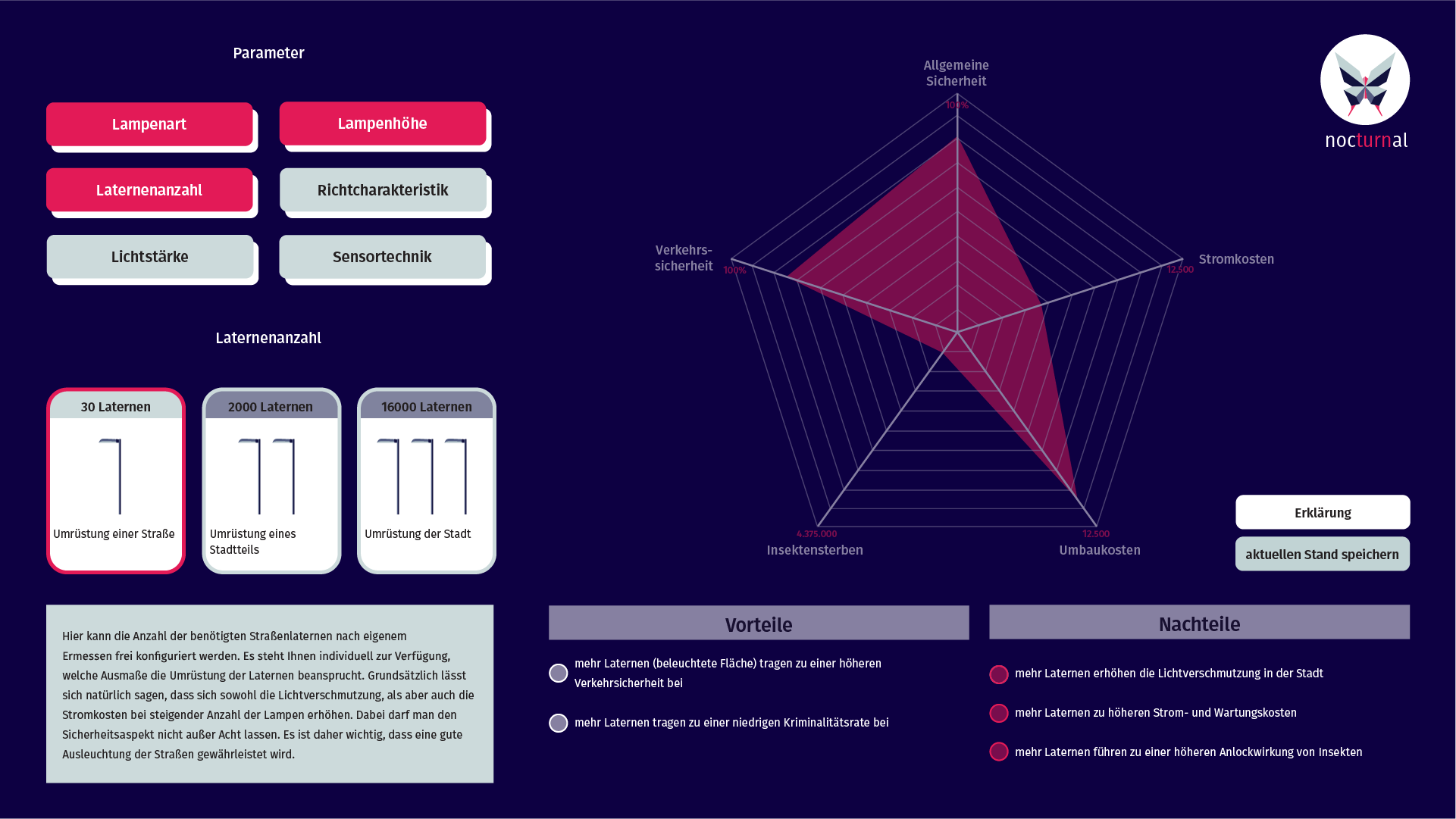
To make changes to the simulation, there is a dashboard where certain options can be modified interactively.
In the upper section, six parameters can be selected and modified further down.
In addition, there is an explanation for each of the selectable parameters, which informs users about how and what each component of the street lamp affects. Directly alongside this, the advantages and disadvantages of each parameter are listed, which reinforces the advisory nature of the tool.
The network diagram shown on the right illustrates the effects of the adjustable parameters. As soon as each parameter is changed, the individual points shift at the end, creating a customised profile for the respective setting.
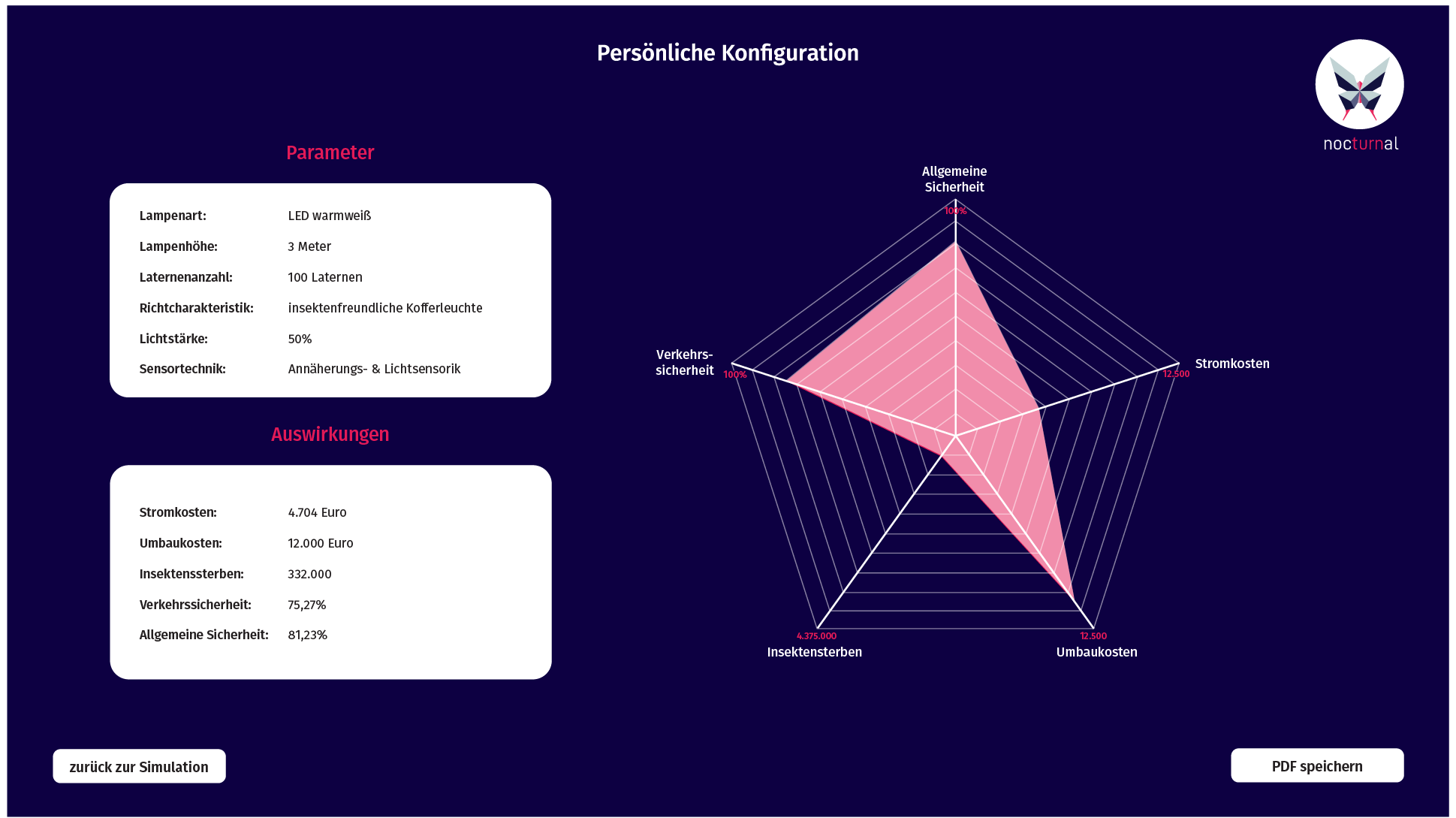
Once the user has adjusted each parameter once, they have the option to save their current settings.
They are taken to another screen, where they are shown an overview of the current parameter settings and the resulting profile.
With these values, our target group then has the necessary information, which is forwarded to design offices or companies.